
Shopper passwords are not visible, and cannot be extracted from the system for security and privacy reasons.
Shopper Side
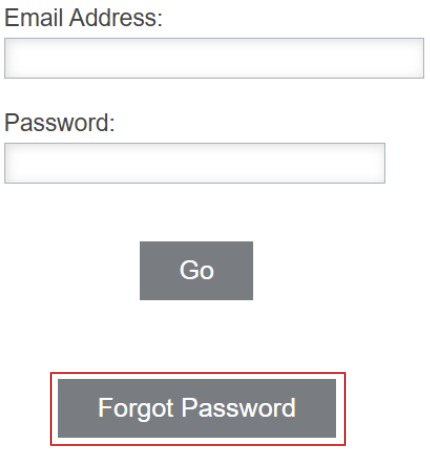
If a shopper forgets their password, let them know they can reset it by using the Forgot Password button on the Shopper log-in page.
Manager Side
A manager can also send the password reset e-mail to the shopper.
Use the Shopper Search functionality to find the shopper in question, and click on their Profile.

Use the Send Reset Link to e-mail button to reach the confirmation page. The shopper will receive an e-mail with the link to reset their password.