
The Survey Logo is used on a survey, and visible on the Shopper Shop view.
Get started at the main Admin page.
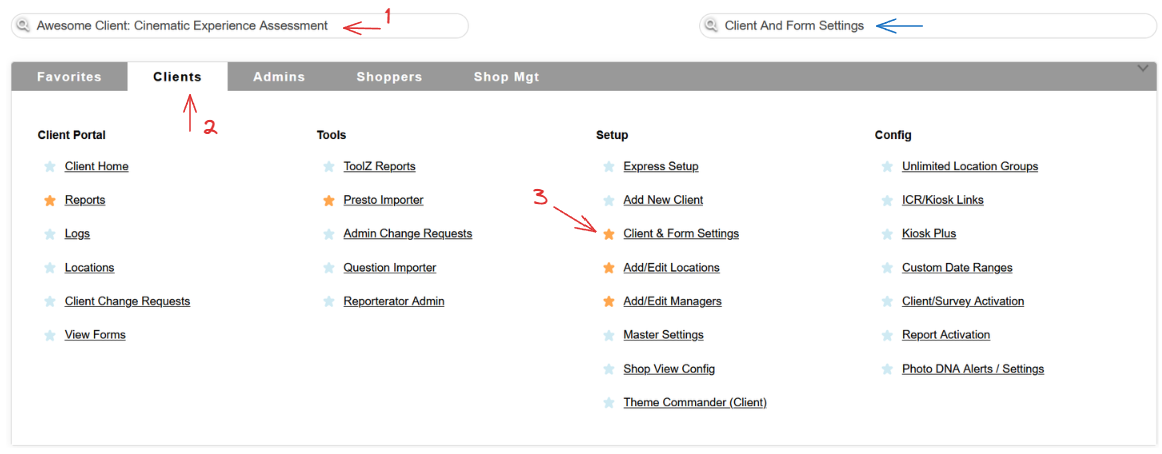
Select a client, head to the Clients tab and use the Clients & Form Settings link in the Setup column, or simply use the Quick Jump bar!
Once on the Client Administration page, use the Upload button in the Survey Logo column.

The Logo upload page will open, allowing you to upload a logo for the survey you selected.
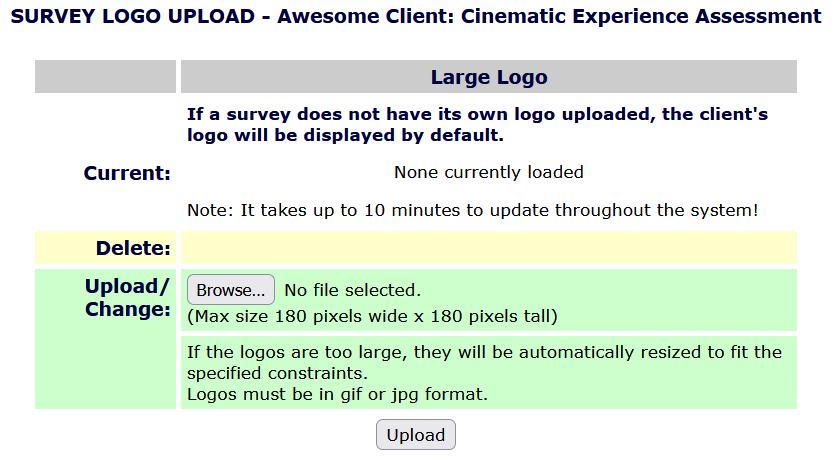
Simply upload an image, and hit the Upload button on the bottom of the page.
 Please keep in mind that if there is no survey logo, a client logo will be used instead!